Using blank organizational charts can simplify the process of creating a business cycle diagram. You could create such a document from scratch by drawing boxes or other shapes for each position within the company and connect them by solid and dotted lines to show the hierarchy. However, using this printable makes it much easier to visually represent an organization's reporting structure.
Free Blank Organizational Chart Template
You can use a tech application such as Pingboard or Organimi to quickly and easily create a professional and appealing diagram of your company's structure. However, if you just need something quick and free, this printable organizational chart will work well. To print, click on the image and then select the download or print icon. If you have any issues, see the online guide to working with printables.
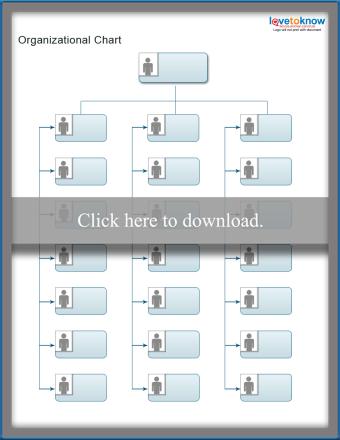
This printable comes with three charts. One is designed for listing names in teams. The other two are similar but can be completely customized.
Applications for Creating Organizational Charts
There are many other resources for creative organizational chart templates to consider. If you don't have graphic software or good drawing skills, organizational chart maker software and other applications with similar capabilities can help.
- At Your Business - This site features both Word and .pdf versions of organizational charts, as well as a hierarchy example you can use to create your own chart if you prefer to do so.
- Creately.com - This is probably the best resource for a variety of app-based charts that you can adjust online without having to download.
- Template Lab - There are several free blank organization chart templates you can download and use on this website.
- Microsoft Visio - Here you'll find instructions for creating your company's organizational chart using Visio. You'll find out how to set up the document to tie to a data table so that the names and positions on the chart will automatically update as new employees are hired or roles are added.
- SmartDraw.com - If you'd prefer to use a software application designed specifically for the purpose of creating professional looking organization charts, download a free trial of SmartDraw.com.
- Microsoft Word - The SmartArt feature in Microsoft Word is a great resource for creating small Organizational charts.
Clarify Team Structure With an Organizational Chart
The old adage that if you aim for nothing you get there every time is true. Help organize your team for success by communicating clearly who is responsible for doing what and who is on which team by creating an organizational chart and updating it as things change. Organizational charts can help give a visual representation of teams and responsibilities, which helps to ensure that everyone is on the same page.